 trak
traktrak
What you see,
you do.
Your iPhone Lock Screen becomes a calendar of your habits: one cell fills in for every day you follow through, every morning.
 iPhone · iOS 26+ · free

how it works
Your progress, where you can't ignore it.
- 1Mark the habit as done. One cell lights up in the year calendar.
- 2The calendar becomes your wallpaper. A shortcut updates the Lock Screen every night.
- 3You watch the year take shape. Every time you pick up your phone.
see it in action
Every day leaves a mark.
Thirty seconds of the habit wallpaper in motion — from the first check to a whole year taking shape.
styles and palettes
Your progress becomes art.
Not a dull chart: choose how your consistency shows up on screen — a collection of styles that keeps growing.
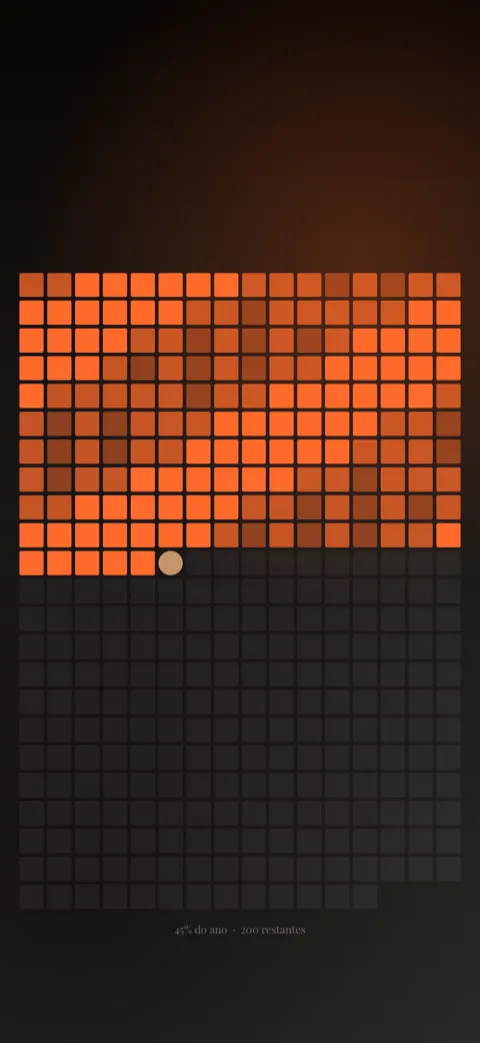
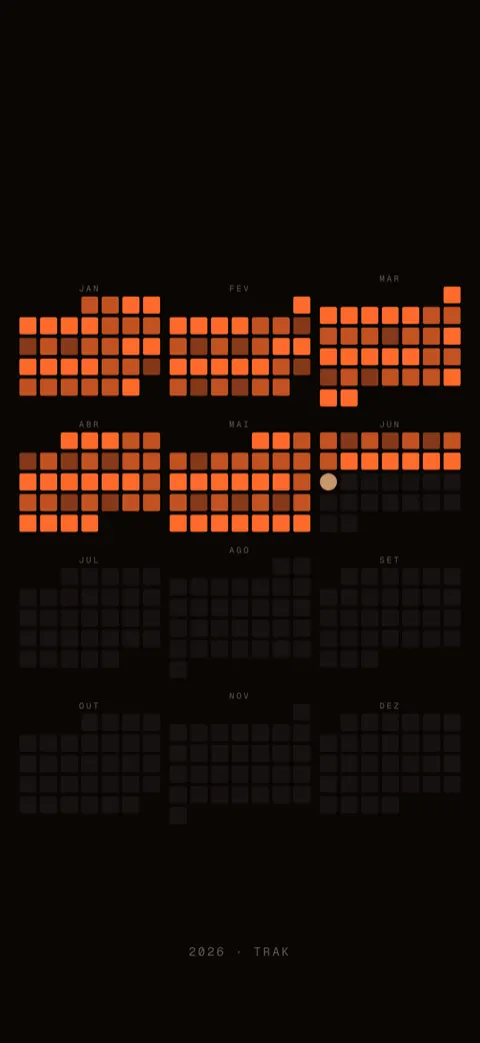
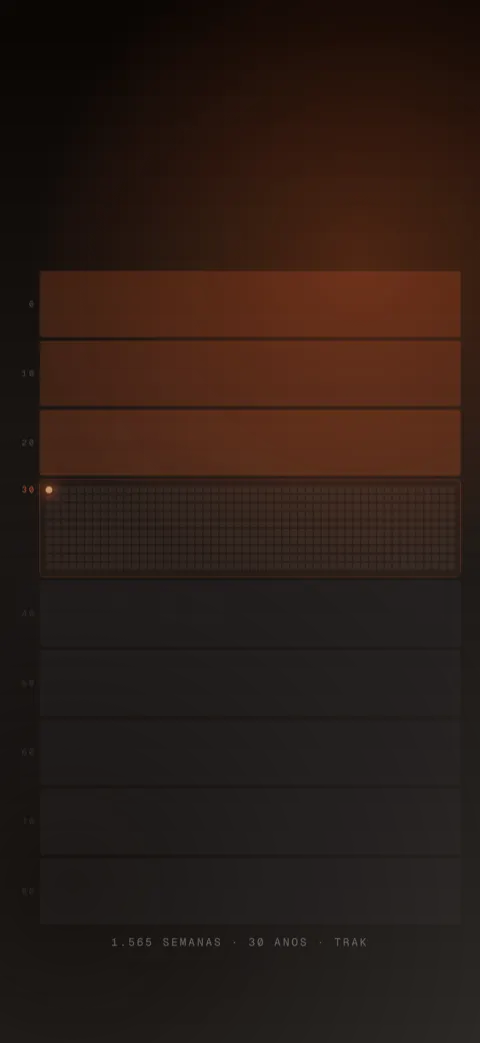
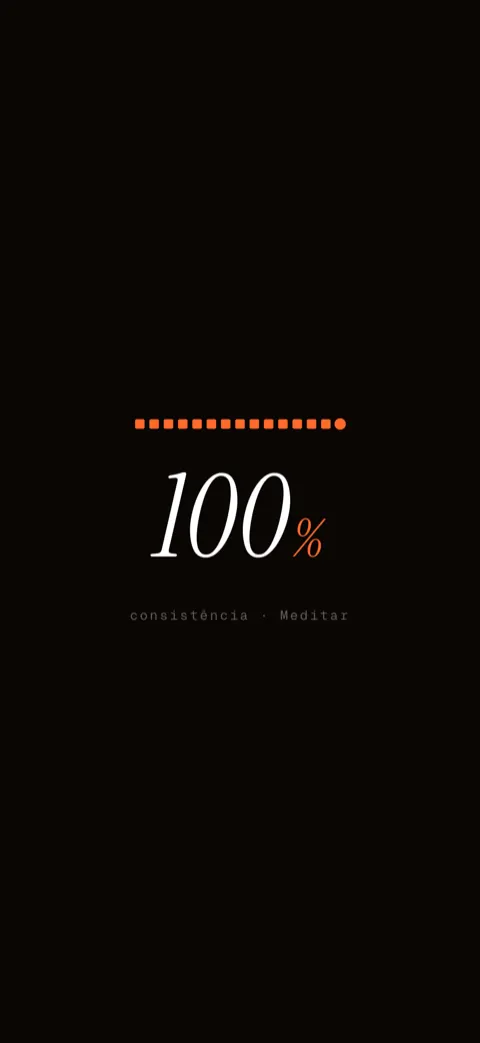
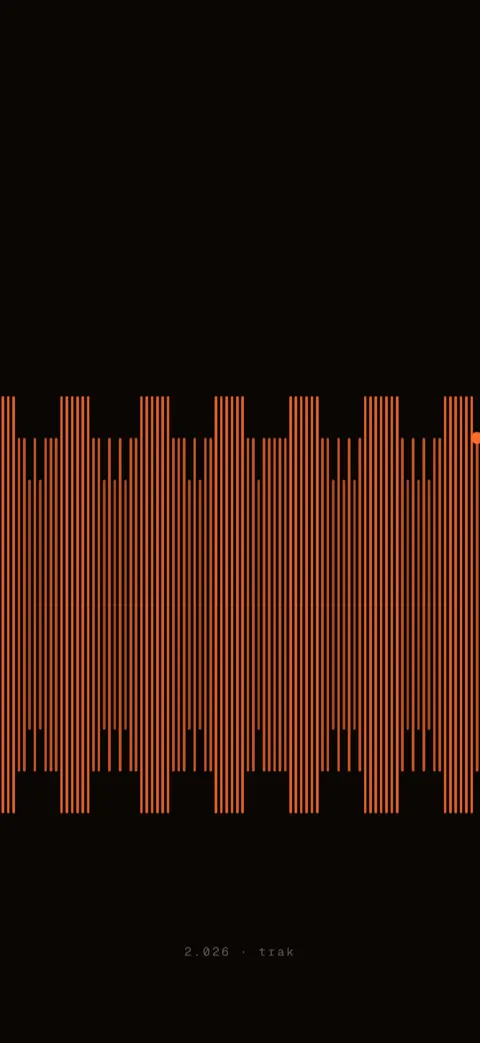
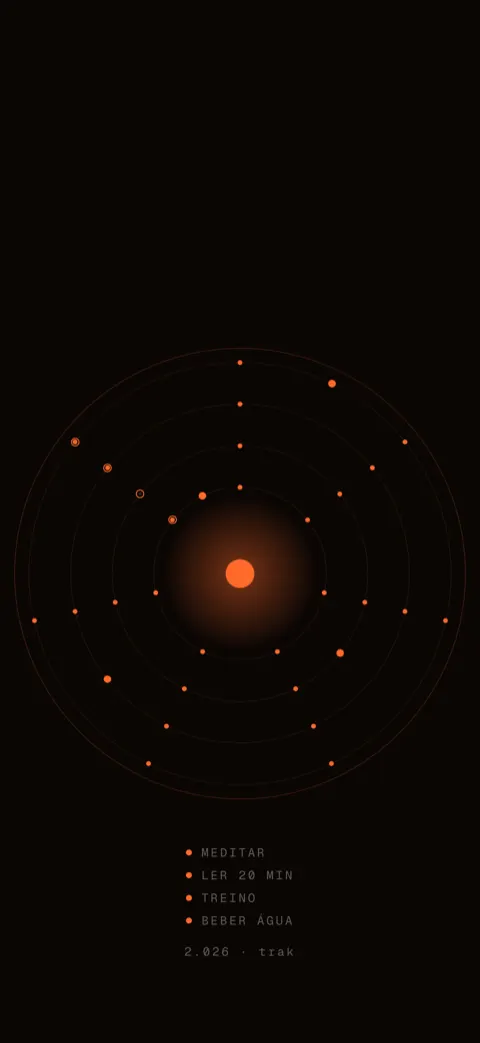
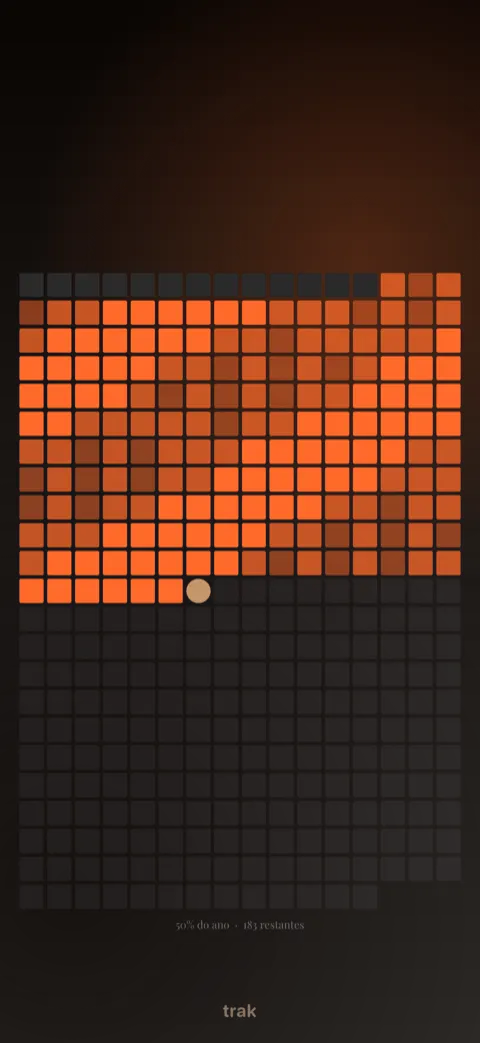
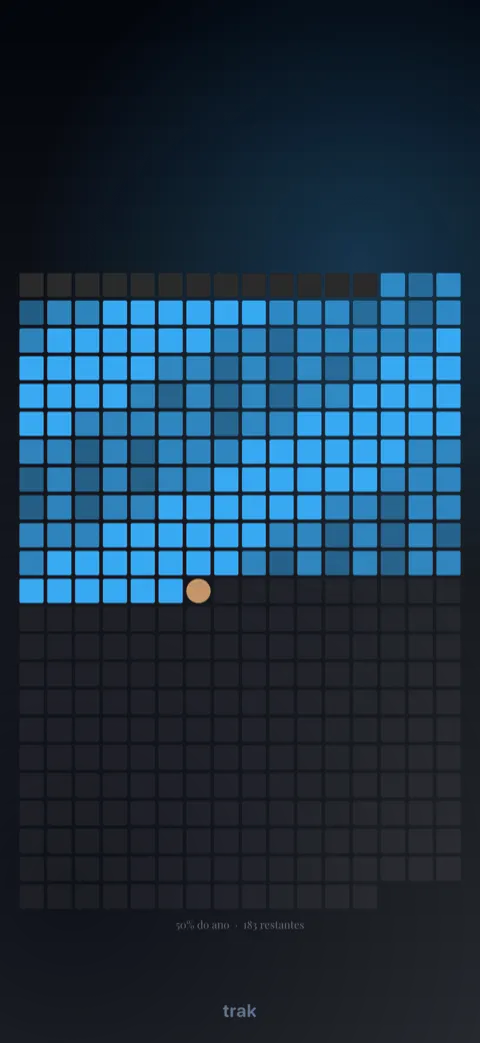
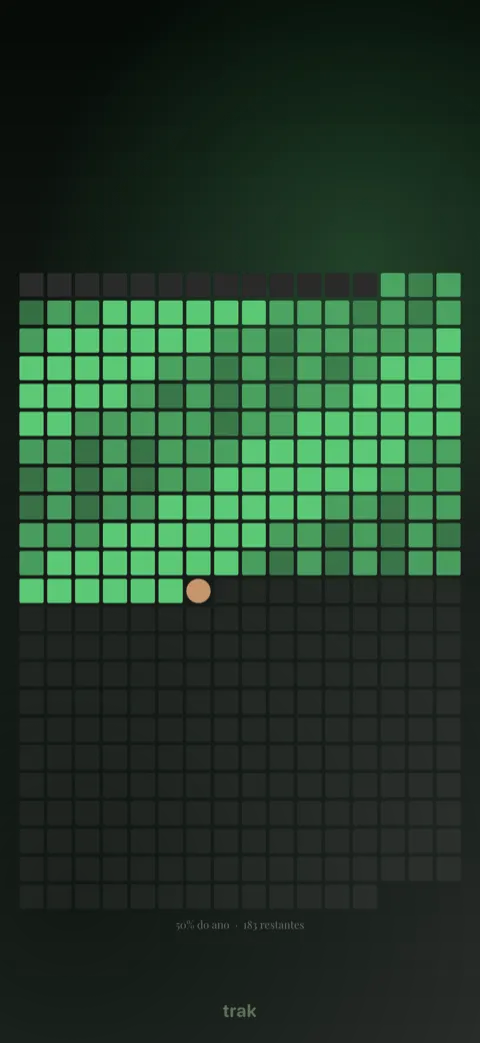
Three hand-drawn palettes — Ember, Tide and Moss — plus one that is entirely yours, with background, accent and gradient editable cell by cell.
Free: 2 habits and 2 styles, with no time limit. trak Pro unlocks everything — with a 14-day trial on the annual plan.
Habits become wallpaper
The calendar for the whole year lives on your Lock Screen and updates itself.
Streaks you can see
Day counts always in sight. The pull of not breaking the chain.
The year taking shape
Twelve months, one cell at a time. An honest portrait of your consistency.
who made it
Made by one person. Really.
Hi, I'm Tiago. I built trak on my own, here in Brazil, because I wanted a habit tracker I couldn't ignore — and none of them put my progress where I actually look: the Lock Screen. Every detail, from the app to the shortcut, went through my hands.
If something doesn't work for you, the email down in the footer lands straight in my inbox.
— Tiago Villas, creator of trak
questions
Before you start
The most common questions about trak.
What do you get for free in trak?
The free plan tracks up to 2 habits and includes 2 wallpaper styles (Year calendar and Month by month), with no time limit. trak Pro unlocks unlimited habits, every style and the custom palette.
How much does trak Pro cost?
trak Pro comes as a monthly or an annual plan, with a 14-day free trial on the annual plan (7 days on the monthly one). Purchases are handled by Apple's App Store, and you can cancel any time in your account settings.
Does trak work on Android?
For now trak is iPhone only, running iOS 26 or later.
How does the calendar show up on the Lock Screen?
A shortcut in Apple's Shortcuts app updates your wallpaper automatically every night. There is a full step-by-step guide here.
Where is my data stored?
Your habits and preferences sync privately to your account. trak does not sell your data and does not use it for advertising — see the privacy policy.
Start your year today.
Download trak and let every day leave its mark on your calendar.